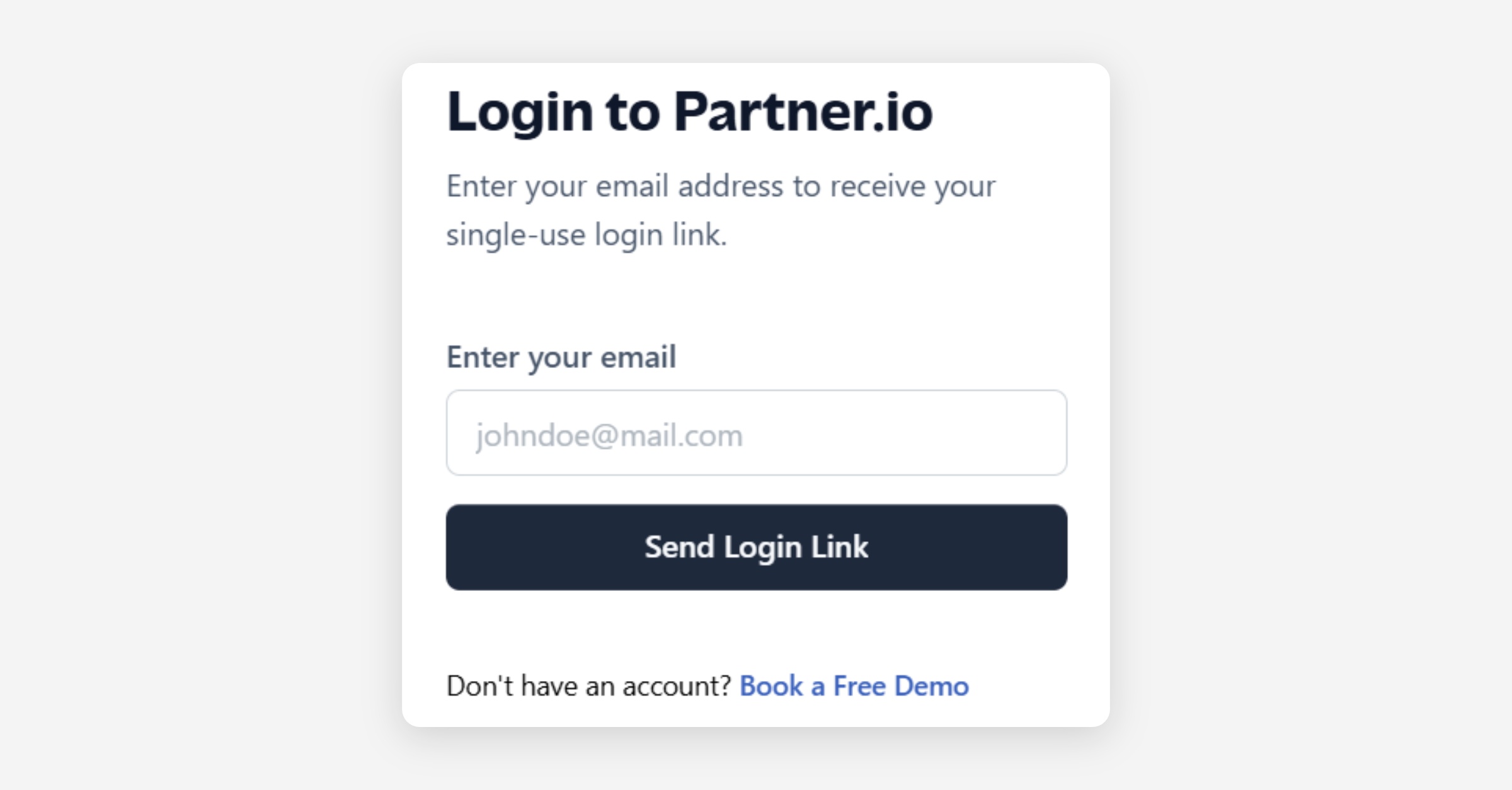

Logging into your Partner.io account is a straightforward process. Follow these steps to access your account:
Start the Process: Visit https://app.partner.io/signin and Enter your email address in the provided field, and click 'Send Login Link'. If your email address is valid, a notification will inform you that a verification link has been sent to your email.
Check Your Email: Look for the login email in your inbox. It might take a few moments to arrive. If you do not see it, check your spam folder or try resending the link.
Access Your Dashboard: Click the login button in the email. This action will redirect you to your Partner.io dashboard, where you can view notifications and manage your profile details.